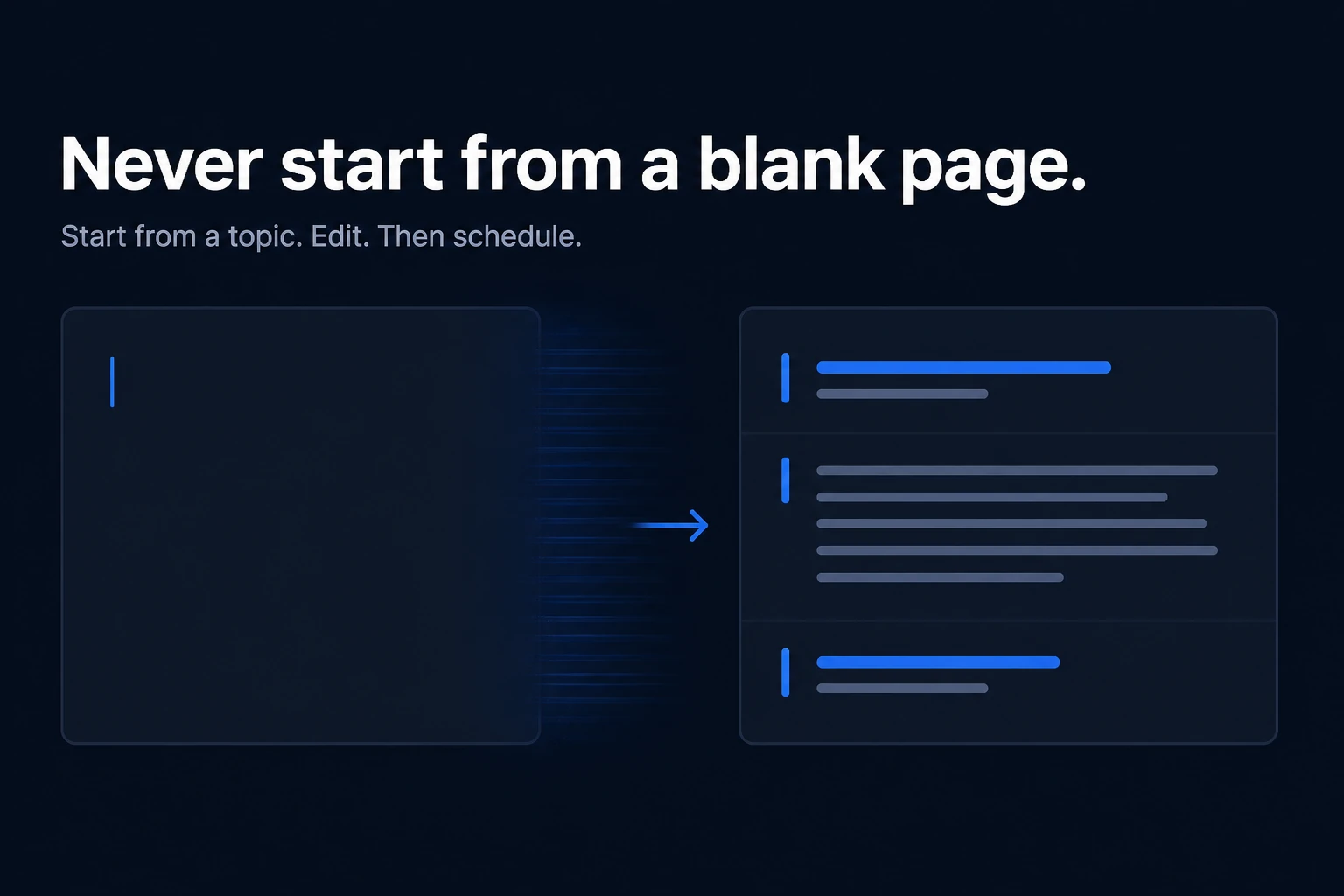
The expensive part of LinkedIn is not typing. It is the empty composer: cursor blinking, first line deleted, “I’ll post tomorrow.”
A useful LinkedIn content tool does not hand you another empty box. It starts from a topic and gives you a draft that already looks like a feed post — hook, body, close — so you can edit instead of inventing structure from nothing.
Why the blank page costs more than writing
Most people who “should post more” are not short on opinions. They are short on a first move.
The composer on LinkedIn is a prompt with no prompt. You have to choose a hook, a shape, a length, and a close while also sounding like yourself. That is several jobs at once. The writing is the cheap part. The stall is deciding what the post is.
You do not need a productivity study to recognize the pattern: you open the app, you close it, you tell yourself the week is busy. Consistency dies in that gap, not in the short stretch of typing a finished post.
A LinkedIn content tool is not a blank prompt
Generic AI still starts the same way: empty prompt, wall of text back. That is the blank page with extra steps. You still have to turn an essay into something that works in the feed.
What you actually need is LinkedIn-native structure:
- A hook that can survive the “see more” fold
- A body in short paragraphs
- A close that asks for one next step
A LinkedIn content tool worth using is built around that shape. It is not a chatbot that happens to mention LinkedIn in the system prompt.
If a product opens with a giant text box and “write me a viral post,” you are still the one doing the structure work.
Start from a topic, then hook, body, close
The first input should be small: a topic, a rough idea, a sentence you would tell a colleague.
From that, the draft should already be a post:
- Hook — one or two lines. Specific, not a TED-talk thesis.
- Body — the point, with whitespace. One idea, not a newsletter.
- Close — what you want the reader to do, or the line you want them to remember.
You can throw the draft away. That is still faster than staring. The job of the tool is to remove the empty first page, not to publish for you.
Give it a real topic. “Q3 hiring” is better than “write something inspirational.” Garbage in still produces a structured miss, which you can kill in a minute.
Formats that already work on the feed
When you do not want a freeform draft, start from a format the feed already understands:
- Story — a moment, what changed, the lesson
- Listicle — a hook plus a few short lines
- Contrarian — a common belief, why it fails, a better rule
- How-to — do this this week, in a handful of steps
These are not tricks. They are constraints. Constraints are what the blank page is missing.
A template that only gives you headings is still useful: you fill, you do not invent the skeleton. If a template is free to reuse and an AI generation is the thing that costs a credit, that split is honest — use the format when you already know the story.
Edit before you schedule
A draft that ships unedited is how LinkedIn fills with generic posts. The rule is simple: the machine (or the template) proposes; you dispose.
That means:
- Rewrite the hook in your voice
- Cut anything you would not say out loud
- Put the close in your words
- Then schedule — or do not
Nothing should publish because a button was convenient. If you cannot edit the draft in a real editor before it is queued, you do not have a writing workflow. You have a slot machine.
The honest product line is not “set it and forget it.” It is: start from a topic, get a structured draft, edit, then schedule.
How Reachbox Content Studio does this
Reachbox Content Studio is built for that job. You start from a topic or a rough idea. The assistant drafts hook, body, and close — not a blank prompt. You can start from a template (story, listicle, contrarian, how-to) instead. Templates do not use AI credits; generating with the assistant does.
Every AI draft opens in the full editor. You rewrite before anything is scheduled. The FAQ is the rule: it is a starting point for editing, not a one-click generic post. Manual writing is still there, with assist when you stall.
Start free — or see pricing (Basic $14 / Pro $29).