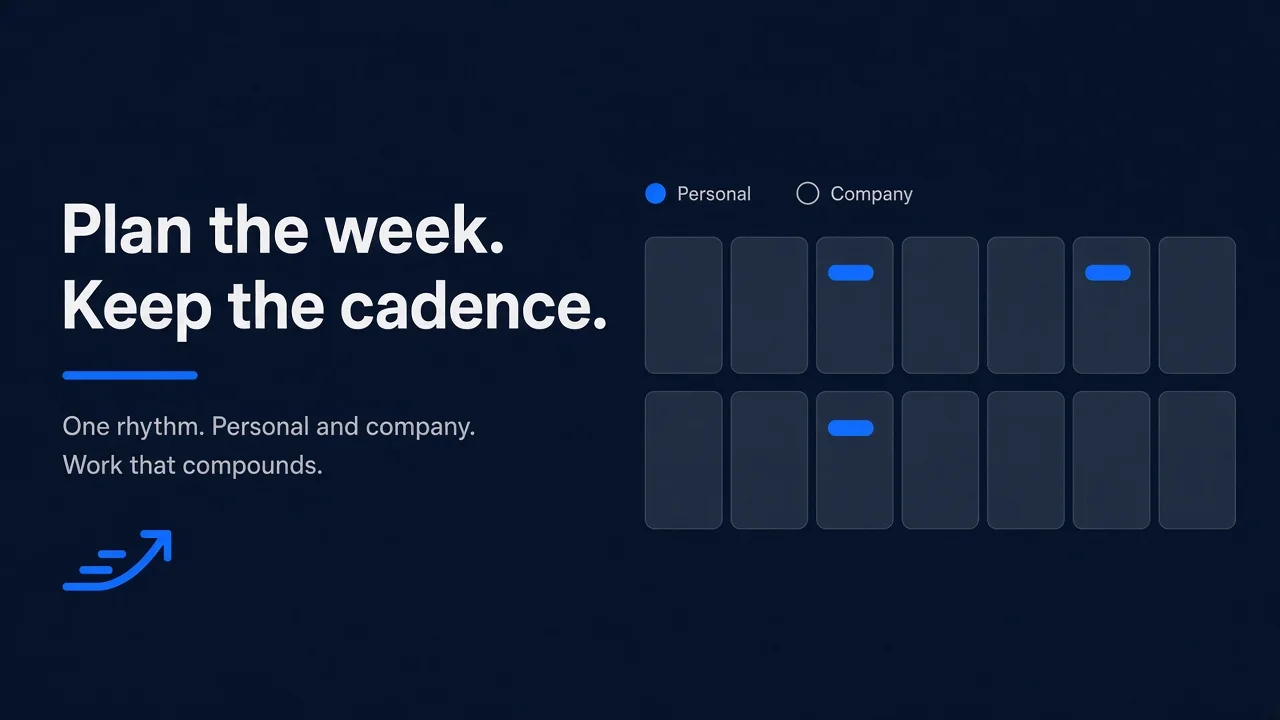
If you have been meaning to post more on LinkedIn, the stall is usually the same: you open the composer, you cannot decide what belongs this week, you close it. A LinkedIn content calendar is the plan that breaks that loop — not a native queue of finished posts, and not a sheet you abandon after two days.
Why a week of posts dies without a plan
Inconsistent posting is a planning problem. Looking consistent, and posting on a cadence, are the jobs. Staring at a blank composer every morning is a different job, and it eats the week.
Founders know LinkedIn can drive inbound; the hard part is writing consistently without sounding like generic AI. Marketing teams need employee and brand voice in the same week, not a brand account posting alone. If you have been “meaning to post more” for six months, the cost is staring and delaying. The plan has to exist before the composer opens.
The daily “what do I post” loop
You open LinkedIn, you ask what to post, you do not have a row waiting, you close it. Tomorrow you do it again. The delay is the expensive part. Without a plan, every day is a new decision: topic, angle, profile, whether it even ships.
A calendar is a plan, not a native queue
A native queue holds finished posts. A plan holds the week before the posts exist. You need idea, draft, scheduled, and published — personal and company — in one place. Queuing in the composer is not the same as knowing what this week is for.
What belongs in a LinkedIn content calendar
Keep the grid small. If a column does not change what you do this week, drop it.
Date, pillar, format, hook, and status
Give each row a date. That is the slot. If the week moves, the row moves with it.
Then three operator columns — not product fields — so the week is not one note on repeat:
- Pillar — the theme (a product lesson, a customer story, a hiring note). Pick a handful you will rotate.
- Format — the shape: a story, a question, a point of view.
- Hook — the first line or the topic in one sentence.
Status makes the grid a working plan. A row is not done because you typed a topic. It moves: idea, draft, review if someone else should see it, scheduled, published. Date plus status is the skeleton. The other three columns keep it from being empty dates.
Profile as a field, not a second spreadsheet
Add profile: personal or company page. Most tools make you pick one. The people who follow you personally are often the ones who will take the meeting. A company page posting alone does not compound the same way. Same grid, same statuses, profile on each row.
Template columns you can copy this week
You do not need a gated template. Write these columns in a doc, a board, or a notes app:
Date | Profile | Pillar | Format | Hook | Status
Write the header once. Add rows for the week you will actually keep.
Weekly grid plus an ideas backlog
Run two lists. The week grid is committed slots: date, profile, a hook, a status. If it is on the grid, you ship it or you move it. The ideas backlog is everything else — a sentence you would tell a colleague, a topic you are not ready to date. Capture it. Do not pretend it is scheduled. Empty slot? Pull from the backlog. Do not invent in the composer.
Status as a pipeline, not a checkbox
A checkbox lies. “Written” is not scheduled, and scheduled is not published. Move the row: idea → draft → review (if someone else should see it) → scheduled → published. Leave published rows so the week still reads as a record. If status does not move, you have a wish list with dates.
Pick a cadence you can keep
The plan fails when the cadence is a fantasy. Pick a weekly rhythm you will sustain, then plan that — a week ahead or a month ahead, whatever fits how you actually work.
Choose a weekly rhythm you will sustain
Decide how many rows you will honestly finish in a normal week, including editing. Put that many slots on the grid. Not more. A sparse week that ships beats a dense week you abandon. When the plan changes, move the row.
Rotate pillars so the week is not one note
If every row is the same pillar, the week reads as one message on repeat. Two product lessons and zero customer stories is a mix problem. Swap a row from the backlog. If you cannot name the pillar in a few words, the row is not ready to date.
Personal and company page on the same plan
Treat personal and company as rows on one plan, not as two products you switch between.
Same columns, different profile on each row
Every row still has date, pillar, format, hook, and status. The extra field is profile. Write as yourself on personal rows. Publish as the company on company rows. Same pipeline. Read the week and see both voices without opening a second file.
Why two separate calendars break cadence
You start with personal in one place and company in another. Then one goes quiet — usually the personal one, because the brand plan feels like real work, or the company page, because you only post as yourself.
Company-alone does not compound. Personal-alone leaves the brand silent. Two plans mean two statuses and two “what do I post” loops. One plan, a profile on each row, one pipeline.
Plan the pipeline in Reachbox Calendar and Kanban
If you want the same job in a product instead of a homemade grid, Reachbox is built around Calendar and Kanban for this pipeline. Personal profile and company page sit on one screen. Plan, schedule, drag when the week changes. Nothing publishes until you schedule or post it.
One week view for personal and company page
See what is scheduled, in review, and published — personal and company page — across the week or the month. There is no hard horizon: a week ahead or a month ahead, whatever fits the workflow. Once the company page is connected, schedule for it from the same views as the personal profile.
Kanban for draft, review, scheduled, published
Calendar and Kanban show the same content. Pick whichever fits how you plan that day. Posts move through Draft, review, scheduled, and published. Status is visual, not a checkbox labeled “done.”
Drag to a new slot; time from your audience, not a generic hour
Plans change. Drag a post to a new slot, or change the date in the editor. The change applies immediately. If you are guessing when to post, do not copy a generic best-time list. Reachbox Analytics includes best time to post from when your audience is actually active. Use that signal, then place the row.