You already have the LinkedIn posts. They are sitting in a YouTube video you already shipped — or in an article, or a workshop deck.
Rewatching and rewriting from scratch is why those assets never become a week of content. If you already publish work in public, you do not need to start from zero every Thursday.
The job is to repurpose YouTube to LinkedIn as post angles, not as a transcript you polish into one generic recap.
Why unused YouTube videos never become LinkedIn posts
The video is done. The article is live. Then Thursday shows up and you stare at a blank composer anyway.
The unused-asset problem is not a lack of ideas. It is the tax between the asset and the feed: re-watch, re-read, rewrite from scratch. That friction is enough that good work sits unused.
If you are a consultant or coach, the tax is worse. Client work already ate the hours. Turning a talk or an article into posts should not eat the billable ones that are left.
Founders and individual creators hit a different version of the same wall. Writing consistently is the hard part. You already know the material. You already made the video. Starting from zero every week is how the video stays a video.
Stop letting good content go to waste by treating every LinkedIn post as a new essay. The posts are already in the work you shipped.
How to repurpose YouTube to LinkedIn without a transcript dump
A common shortcut is to paste a transcript into a generic AI tool and ask for a LinkedIn post.
What you get is a flat summary. It reads like someone who watched the video and wrote the abstract. That is not how a post works in the feed.
LinkedIn post structure for this job means hooks, pacing, and formatting that fits the feed — not a recap of every chapter.
Do the extraction as a post, not as notes:
- Ignore the urge to cover the whole video.
- Find one claim, one story, or one tension that could stand alone.
- Write a hook that makes that idea land without the video.
- Pace the body so a skimmer can stay with it.
- Format it like a post, not like a paragraph from a transcript.
You are not trying to shrink the video. You are trying to pull a post-shaped idea out of it.
The same rule applies to an article. Do not ask for “a summary of this URL.” Ask what argument in it is worth a post.
Pull the ideas worth posting, not a summary
A summary answers “what was the video about?”
A post answers “why should someone stop scrolling for this one idea?”
Those are different jobs. The useful extract is the idea worth posting — a point someone could use without watching the source.
For a video, that is often the moment you would clip if you were making a short: the reframe, the mistake, the rule you would tell a client.
For an article, pull the core argument, not the outline. One claim, said the way you would say it in conversation.
If the extract still needs the original to make sense, you summarized. If it can stand in the feed, you pulled an idea.
You can do this by hand: watch for the line you would text a peer, then write that as the post. A tool can help with the extract. It cannot decide that the extract is you.
One video, several post angles
One source should not mean one draft.
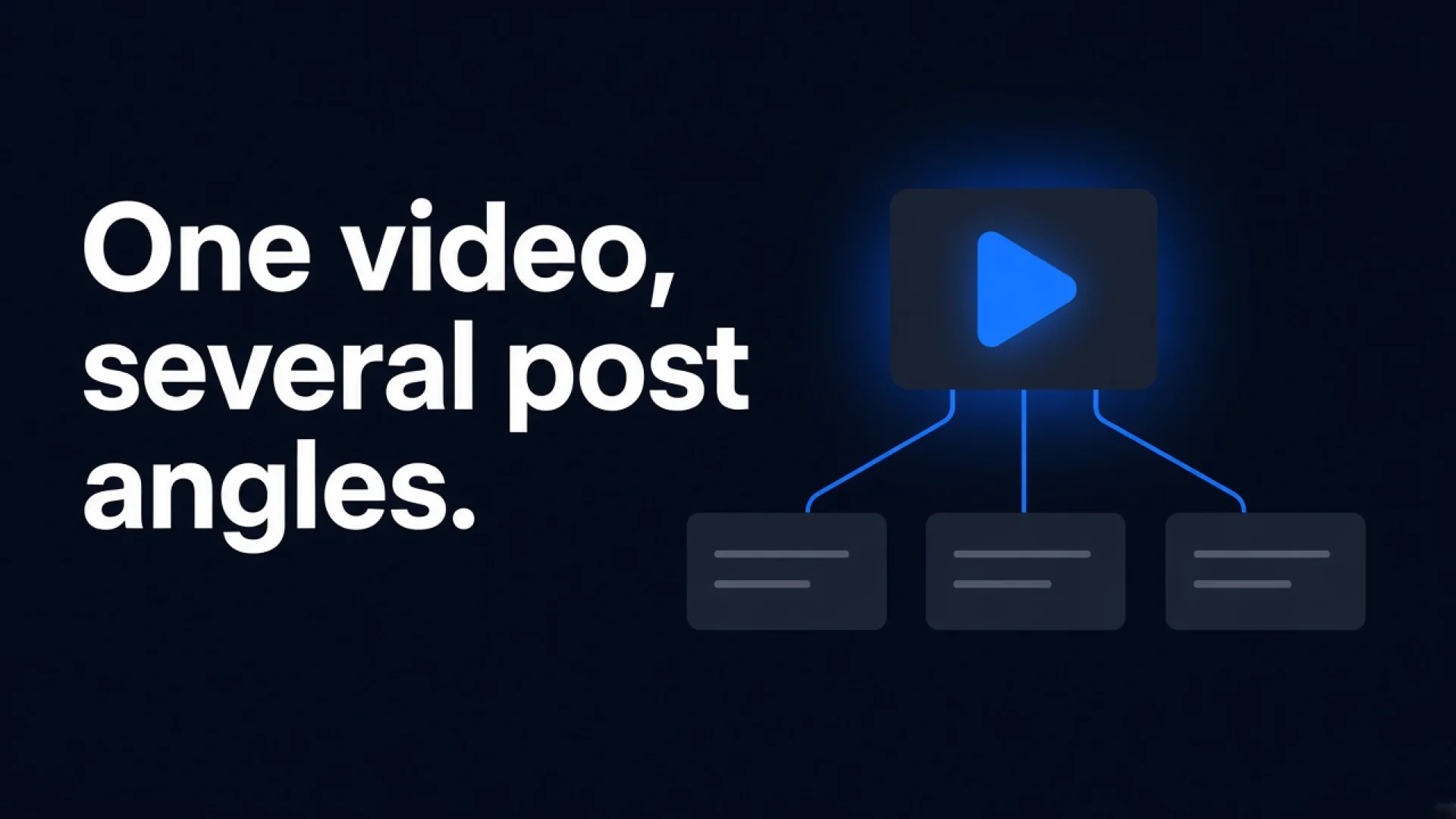
A single YouTube video can yield several LinkedIn post angles: the hook you opened with, the example in the middle, the objection you answered, the takeaway you closed on. Each can be its own post.
The same is true of an article. The core argument is one angle. A supporting story is another. A “what people get wrong” cut is a third.
Work the source more than once:
- The main claim, said plainly.
- A concrete example or story from the same piece.
- The mistake or objection the piece already handled.
You are not limited to a single draft from one video or article. Several post options from one asset is how unused YouTube actually becomes a week of content — without recording again.
Start from sources you already have in public: YouTube videos and articles. You do not need a new shoot to feed the week.
Edit in your voice before anything goes live
Whatever produced the draft, treat it as a starting point for editing. Not a one-click generic post.
AI here is a starting point, not a finished voice. You rewrite, reorder, or adjust tone before anything is scheduled or posted.
That is the difference between sounding like yourself and sounding like a recap bot. The extract can be useful and still be wrong in your mouth — too tidy, too broad, missing the line you would actually say.
Open the draft. Cut the parts you would not say on a call. Put back the specific you almost left out. Nothing should publish until you decide it goes out.
If a draft still reads like a summary of the video, it is not done. Edit until it sounds like a post you would stand behind.
How Reachbox Repurpose turns a YouTube link into drafts
Turn what you already made into what you post next. That is the Reachbox Repurpose job.
You already have the content — a YouTube video or an article. Drop in a link. Repurpose pulls the ideas worth posting and structures them as LinkedIn drafts, not a plain summary of the source.
It is not a summarizer. You can get more than one post angle from a single video or article, so you are not limited to one draft.
From source to post takes minutes, not a rewrite session. Each generated draft uses one AI credit. Manual writing and editing do not.
Every draft opens in the editor. Refine it in your voice before it goes anywhere. Drafts are a starting point for editing, not one-click generic posts. Nothing publishes until you schedule or post it.
The homepage job is the same: turn a video or article into ready-to-edit LinkedIn drafts instead of starting from scratch.